Most SMEs have already paid for the most powerful research assistant they'll ever use. They just don't know it exists.
Ask any business owner where their team's hours go and you'll hear the obvious answers: meetings, admin, customer calls, "putting out fires."
What you won't hear but should, is the silent killer of productivity in almost every SME we work with: searching for information that already exists somewhere in the business.
Re-reading reports. Scrolling through email threads. Asking colleagues "do you remember where that figure was?". Trying to locate the policy, the contract, or the meeting note that should be at your fingertips.
5–15 hours: The time the average knowledge worker loses each week to document hunting and information searching.
For a 20-person business, that's the equivalent of losing two full-time employees to a problem most leaders don't even know they have.
And here's the twist: the tool that fixes it is already sitting inside Google's ecosystem, free to use, and almost nobody outside the AI community is talking about it.
It's called NotebookLM.
The Tool You've Already Paid For (Without Knowing It)
NotebookLM is Google's AI-powered research and learning assistant. It launched quietly, it's been improving steadily, and in our work at the Lean Learning Collective as an AI training and adoption partner to manufacturing and FMCG SMEs across the UK, it remains the single most underutilised AI tool available to businesses today.
Here's why it matters:
Unlike ChatGPT, Claude, or Gemini, NotebookLM only answers from documents you give it. You upload your reports, policies, SOPs, meeting notes, training manuals, contracts, even YouTube videos and recorded calls. NotebookLM reads them. Then you ask questions in plain English and get cited, grounded answers, every claim traceable back to the exact sentence in the exact source.
There is no hallucination. There is no "the AI made it up." If NotebookLM says it, you can click the citation and see exactly where it came from in your own documents.
"For a business making decisions on real data, that single feature is worth more than every other AI productivity hack combined."
Why Most SMEs Have Missed It
Three reasons NotebookLM has flown under the radar:
- It doesn't have flashy marketing. Google released NotebookLM without the hype machine that surrounded Gemini. No keynote stage moment, no influencer push.
- It looks too simple. The interface is just a notebook and a chat window. Business leaders see it and assume there must be something more powerful elsewhere. There isn't.
- It sits outside the obvious AI conversation. When teams hear "AI for business," they think ChatGPT or Microsoft Copilot. NotebookLM is a different category research, not generation and the framing hasn't caught up.
Meanwhile, the SMEs who have figured it out are quietly saving hours every week.
Where the Hours Come Back
Let's get concrete. Here's how the time genuinely returns to your team, function by function:
Operations & Manufacturing
Upload your SOPs, quality manuals, and process documents. A new starter on the shop floor asks "How do I set up Machine X?" and gets the exact procedure with a citation to the manual. No supervisor pulled away from their job. No hunting through binders.
Saving: 15–30 mins per query · Hundreds of hours annually
Sales
Before every client meeting, your team uploads the prospect's documents, your relevant case studies, and competitor research. They ask "What are our key differentiators against [Competitor]?" and walk in with a tailored briefing in 5 minutes, what used to take 90.
Saving: 60–90 mins per pitch prep
HR & People
Upload the employee handbook, policies, and onboarding guides into a single notebook. New hires stop asking colleagues the same five questions every week. They ask NotebookLM and get cited answers instantly. Your HR lead gets their afternoons back.
Saving: 3–5 hrs per week per HR lead
Finance & Leadership
Upload board packs, financial reports, and budget documents. Generate a one-page executive briefing for your next board meeting in 60 seconds. Compare quarter-on-quarter performance with a single prompt. Walk in more prepared than anyone else in the room.
Saving: 2–4 hrs of board prep per month
Marketing
Upload market research, brand guidelines, campaign reports, and customer feedback. Identify the dominant themes in customer reviews. Compare campaign performance across quarters. Generate content outlines grounded in your actual data, not generic AI fluff.
Saving: Days of analysis condensed to minutes
Legal & Compliance
Upload contracts and regulatory documents. Ask specific questions about clauses, obligations, or compliance gaps. Every answer cites the exact section of the exact document, exactly the audit trail compliance teams require.
Saving: Hours of contract review per case
The pattern is the same across every function: hours that used to be lost to "finding stuff" now go back into actual work.
The 8 Things NotebookLM Actually Does
In 30 seconds, here's what NotebookLM is genuinely good at:
- Source Grounding — Answers from your documents only. No internet, no fabrication.
- Q&A with Citations — Plain English in. Cited, verifiable answers out.
- Summarisation — A 50-page report condensed to 5 bullet points.
- Audio Overviews — Two AI hosts discussing your documents in podcast format.
- Interactive Audio — Join the podcast. Ask the AI hosts questions live.
- Content Generation — Briefing docs, FAQs, outlines — all from your sources.
- Visual Creation — Slide decks, mind maps, infographics in 10+ styles.
- Study Tools — Auto-generated flashcards and quizzes for training.
That's the toolkit. And the free tier, 100 notebooks, 50 sources per notebook, 50 queries a day, is more than enough for most SMEs to get serious results.
10 Minutes to Your First Win
Don't take our word for it. Try this today.
- Go to notebooklm.google.com and sign in with any Google account.
2. Click "New Notebook" and name it after a real project (e.g. "Q2 Board Pack" or "Sales Playbook").
3. Upload 3–5 of your most relevant documents — reports, policies, meeting notes, slide decks.
4. Ask: "Summarise the key findings in 5 bullet points and highlight any actions required."
5. Click Generate Audio Overview in the Studio panel and listen on your next walk or commute.
Total time: under 10 minutes. The "aha" moment usually arrives within the first 60 seconds.
5 Power Prompts to Copy and Try
Save these. They work across any business context, any document set, any function.
Executive Briefing
"Create a one-page executive briefing from these documents, including key metrics, risks, and recommended actions".
Action Items
"Extract all action items, owners, and deadlines from these meeting notes".
Policy Lookup
"What does our policy say about [specific topic]? Quote the relevant section".
Comparison Analysis
"Compare the approaches in Document A vs Document B. What are the key differences and which is stronger for our context?"
Onboarding Builder
"A new starter needs to understand [process]. Create a step-by-step guide using these documents, with citations".
The Real Question
If your team is losing 5–15 hours a week to document hunting, the question isn't whether to try NotebookLM. It's how quickly you can roll it out properly.
The free tier is genuinely free, no credit card, no trial expiry. For most SMEs it's more than enough to start, and probably more than enough forever.
The only real risk is the same one we see with every productivity tool: you adopt it without structure, two enthusiastic people use it brilliantly, and the rest of the team carries on hunting through shared drives like it's 2015.
"That's where adoption, not the tool itself, becomes the difference between a curiosity and a competitive advantage."
That's also why a growing number of SMEs we work with at the Lean Learning Collective have moved beyond one-off training and into ongoing AI partner packages combining hands-on workshops, a custom prompt library built around their actual business, and continuous AI support as new tools and features land. It's the difference between learning a tool once and embedding it permanently across the company.
The tool is free. The hours are real. The only thing standing between your team and the productivity gain is the rollout plan.
Your AI Partner for SMEs
At the Lean Learning Collective, we partner with SMEs as their dedicated AI training and adoption specialist. We help businesses turn tools like NotebookLM, ChatGPT, Claude, and Microsoft Copilot into compounding productivity gains, using your actual documents, the CRISP prompting framework we built specifically for SMEs, and a clear adoption plan that survives past week two.
For SMEs serious about AI, our partner packages combine quarterly hands-on training, a custom prompt library built around your business, ongoing AI support as new tools and features emerge, and a direct line to us when your team hits a question. It's how the SMEs we work with stay ahead of the curve rather than constantly chasing it.
If you'd rather start smaller, we'll run an AI Opportunity Audit and map every AI opportunity across your operations a one-day deep-dive that usually pays for itself before the report is finished.
Want the Guide?
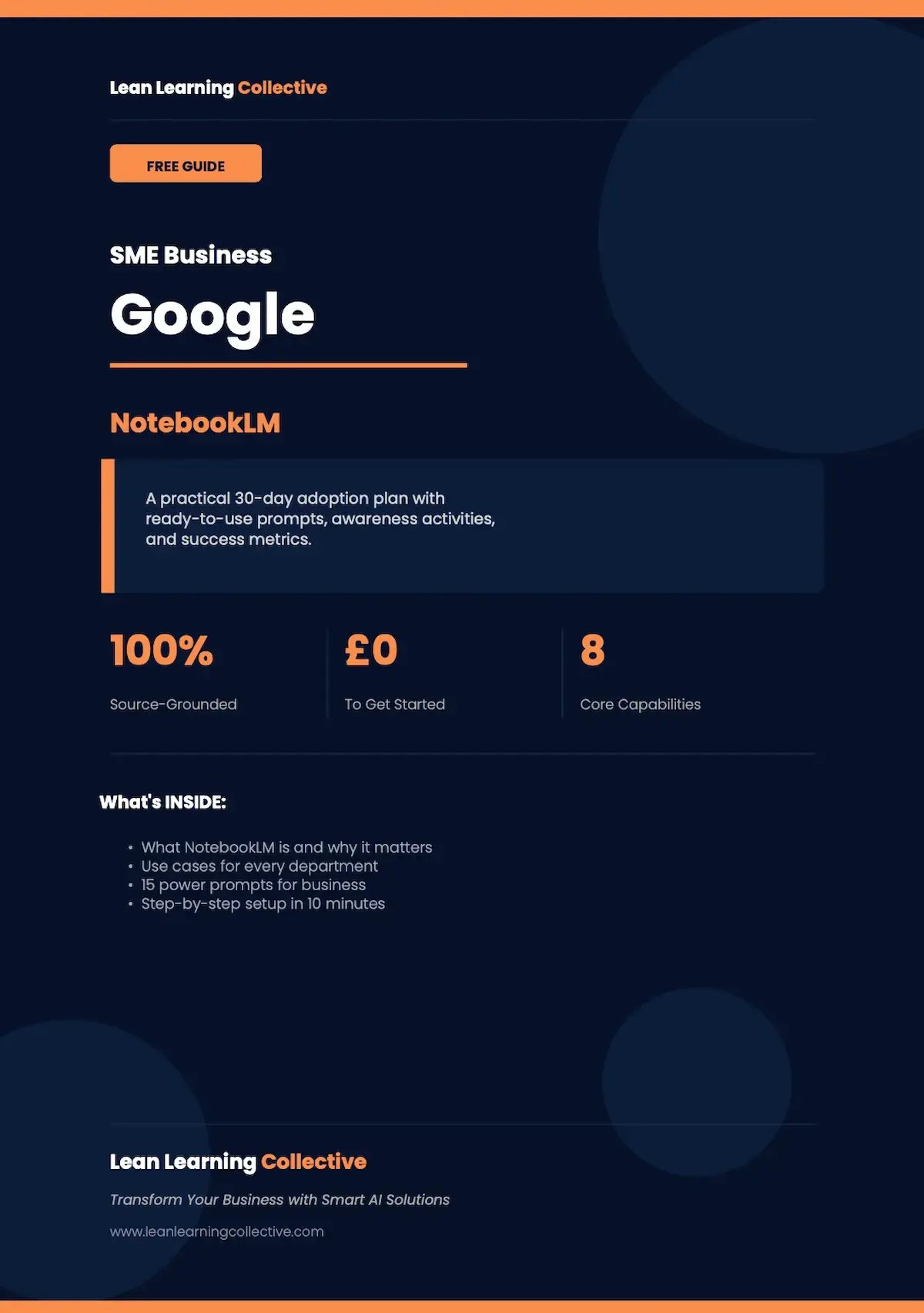
We've made the full NotebookLM Guide available as a free download. It includes what NotebookLM is and why it matters. Use Cases for every department. 15 Power Prompts for business. Step-by-Step set up in 15 minutes.
Contact us for the free guide → Click the Link
Or if you'd rather we delivered this as a hands-on training workshop for your team, get in touch and we'll set up a discovery call
How we support SME’s as their AI partner
-
AI Partner Packages — Ongoing training, prompt library, and AI workflow creation tailored to your business size and AI maturity.
-
AI Opportunity Audit — One-day on-site assessment mapping every AI opportunity across your operations.
-
AI Training Workshops — Hands-on sessions for up to 15 participants, NotebookLM, Copilot, Claude, ChatGPT.
- Microsoft Copilot Training — Practical workshops for Outlook, Teams, Word, Excel, and PowerPoint.